Find that file in 60 seconds
Grail is a media asset manager for Church IT teams who need to find photos and videos fast. Search locally stored media from anywhere without a VPN.





Escape the Media Maze with Grail
Stop digging through Finder.
Photos, videos, and PDFs from all your local and cloud storage come together in your browser.
Grail solves the hard part



How Grail works
.jpg)
Store media locally. Access anywhere.
Keep files on your NAS, access them from anywhere.
Search your photos & sermon archive
Grail indexes all your files so you can search them from your browser, no VPN required.
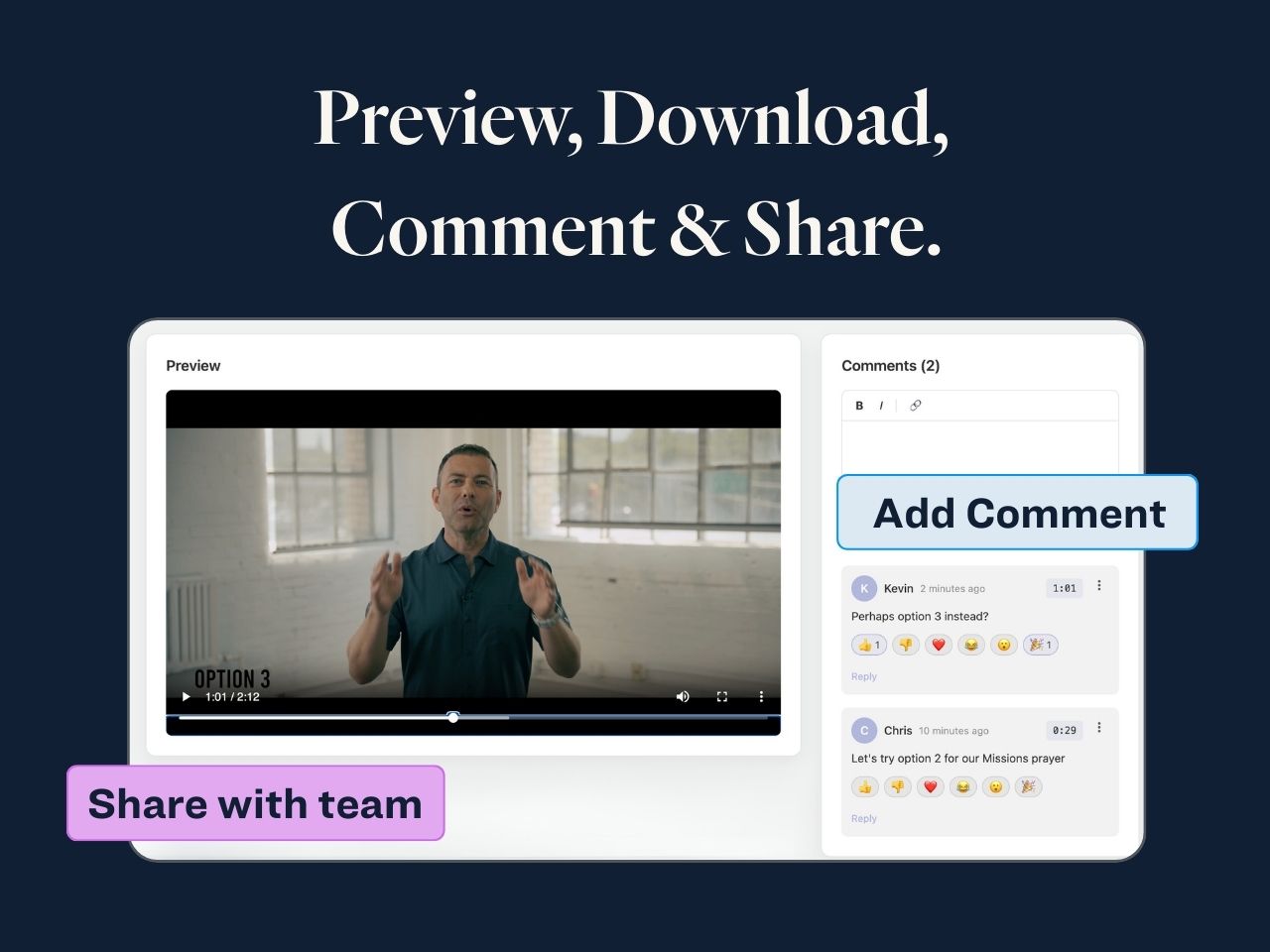
Share with your entire team
Preview 10GB+ videos instantly, without downloading them. Once you find your file just copy the file path.
FAQs
No VPN is required. Grail enables secure access and previewing by having your network initiate an outbound connection to our AWS servers, rather than opening your NAS to the public internet. So your video team can find footage during off-site photo shoots, your creative team can edit photos at Starbucks, and you can find peace of mind from your couch.
Both are Grail plans. The difference is the hardware that powers them:
- Grail Mini comes with a brand new Mac Mini
- Grail Studio comes with a brand new Mac Studio (recommended for large libraries over 10 TB)
Whichever plan you choose, the Mac is yours to keep, even if you cancel Grail later. Already have a Mac Mini or Studio? Great! You can use your own instead.
You can search all your photos, videos, PDFs and more. Grail supports all file types and allows you to search across multiple NAS servers and other storage from your browser.